







Telegram ADs

Guide to creating an effective listing on Shoofi that generate sales

Want to create a listing that's so good, buyers will come running? Here's a simple guide to help you write a gripping product ad. The result? They'll be hitting the chat button right away.

Follow our steps with helpful tips

and you'll be well on your way to a speedy sale.
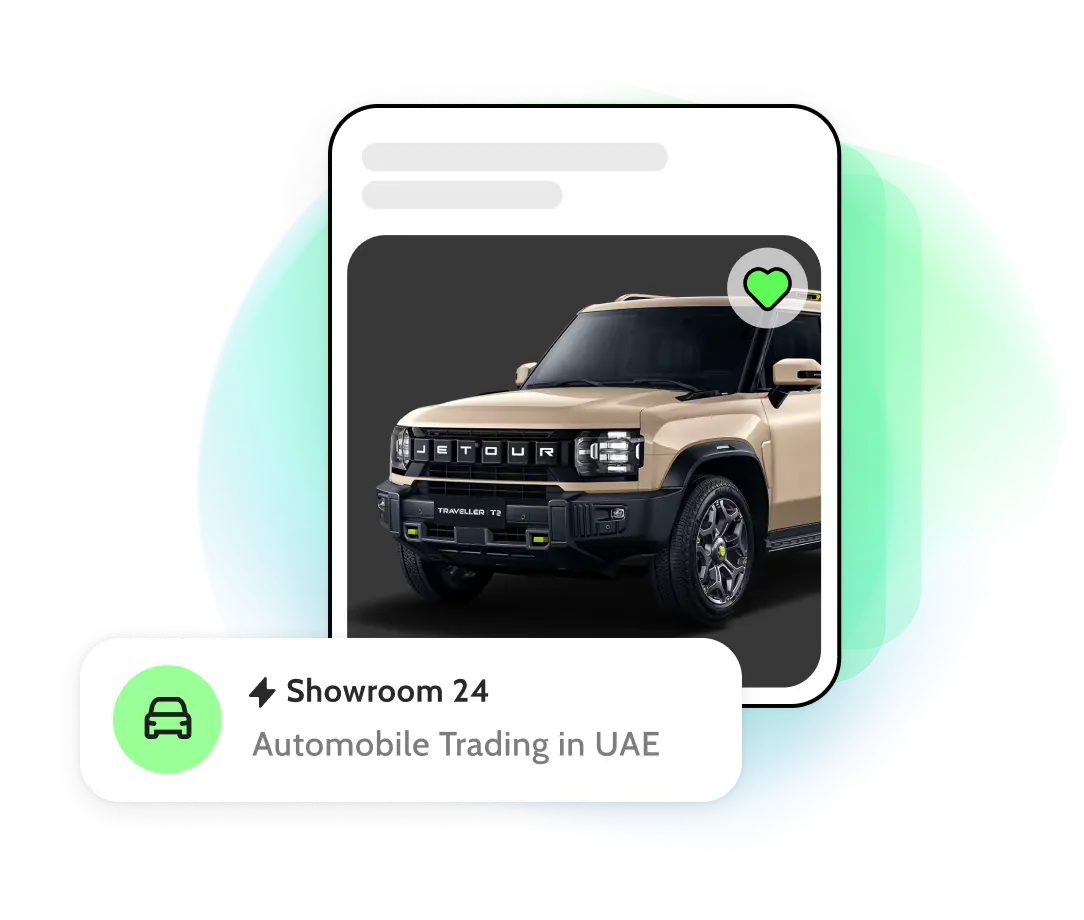
introintro tablet
Let's begin! ✨
1.

Sign In or Register

Existing User:

Log in to your Shoofi account.

New User:

Register using your email, phone number, or social media account (Google, Facebook).
2.

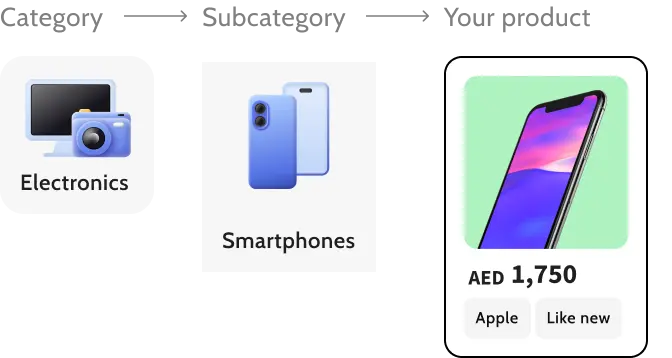
Choose the right category

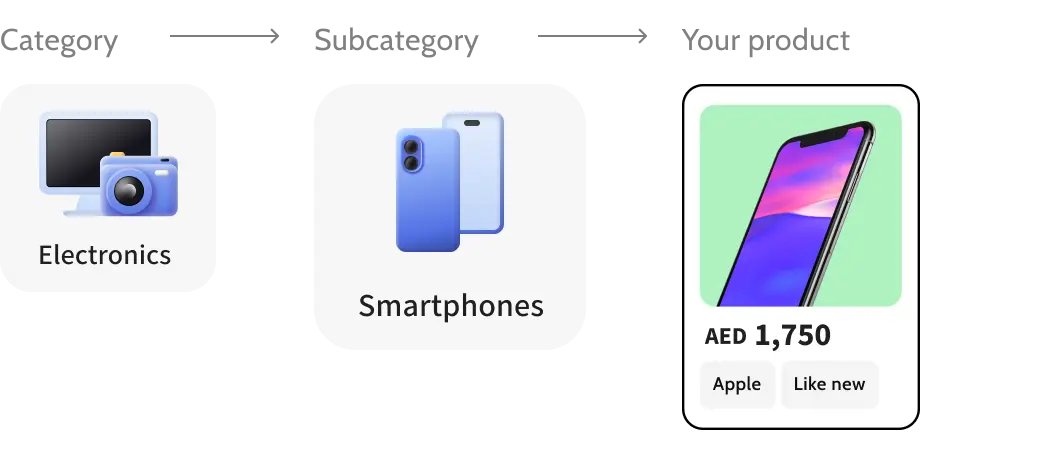
Pick a category and subcategory relevant to your product to get noticed by the targeted buyers.

Choosing the correct category boosts your listing's visibility on the platform.

Example:
categoriescategories tablet
3.

Write a clear

and captivating title

Having a good title is quite important. This is because the title is the first thing a viewer sees. While an unimpressive title could put off consumers, an intriguing one can capture their interest and persuade them to learn more.

A precise title increases your listing's reach. You can use the 4U technique to make it more effective.

Let's look at a few tips:

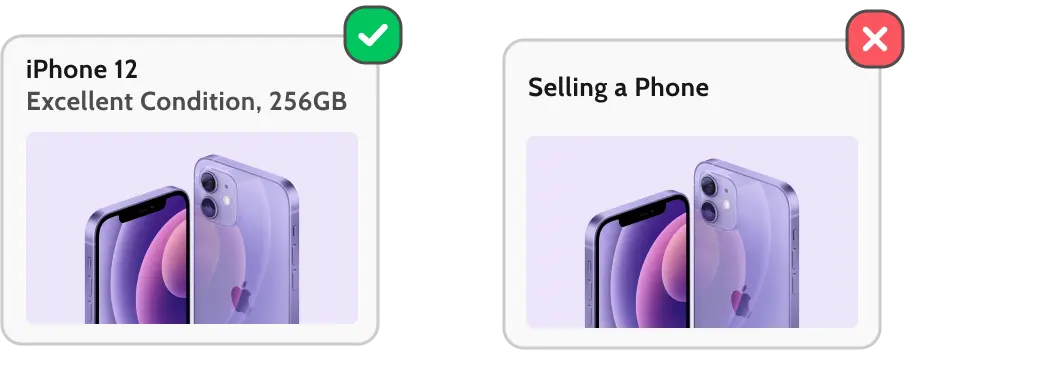
Straight to the Point: Clearly state what you're selling.
Avoid Ambiguity: Use specific terms to prevent confusion.
Keep it Short: Aim for a concise title that's easy to read.

Example:

title-tipstitle-tips tablet
4.

Use the 4U technique in your descriptions

Useful

Explain how your product solves a problem or benefits the buyer
This Dyson vacuum removes 99.9% of dust and allergens – perfect for families with children and pets.The benefits for health are clearly highlighted.
Dyson vacuum, it’s great.Lacks specific information or value for the buyer.

Unique

Emphasize what sets your item apart from others
Exclusive design: The only iPhone 12 in limited edition green in this region!Highlights the uniqueness of the product.
This phone is better than the rest.No specific features or uniqueness mentioned.

Urgent

Encourage quick action by offering limited-time deals or seasonal discounts
30% discount today only! Order by 10 PM and get free delivery.A clear deadline motivates buyers to act.
Hurry up, the discount won’t last long.Vague time frame reduces urgency.

Ultra-specific

Provide detailed information to answer potential questions
Samsung Galaxy S21, 256GB, 95% battery health, includes original case.Answers potential buyer questions upfront.
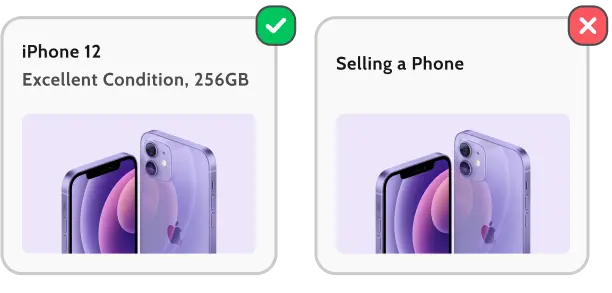
Selling a phone in good condition.Too general and unclear. This can lead to confusion.
Condition: Let buyers know the condition of your item (brand new, gently used, or refurbished).
Brand and Model: Clearly state the brand and model.
Specifications: Include relevant details like storage capacity, color, and size.
Included Accessories: List any additional items included with the purchase.
Selling an iPhone 12 Pro, 256GB. Excellent condition, always used with a case and screen protector. Includes original charger, box, and headphones. Warranty valid until 2025.
Phone works fine. Charger included.
5.

Set a price

Specify the price you expect to receive for your item. To do so, research similar items on Shoofi to set a fair price, considering factors like demand, condition, and any unique features. Some more tips to help you out:

All prices should be listed in AED. (Emirati Dirham)

Start High

You can always lower the price later if needed.

Use Psychological Pricing

Prices with odd or round numbers could appear more tempting.

Provide Discounts

Consider offering discounts for large purchases or on-time payments.

Be Honest About the Condition

Disclosing any flaws upfront can build trust with buyers.
6.

Upload high-quality photos

The better the photos, the higher the chance of a sale!

The first photo should be clear and centered, with the product positioned prominently.
Use good lighting to highlight the product’s features.
Add photos of a single product from multiple angles.
Stage your product in a clutter-free environment for better focus.

The better the photos, the higher the chance of a sale!

Not sure how to take the perfect product photo?

Here are a few examples:
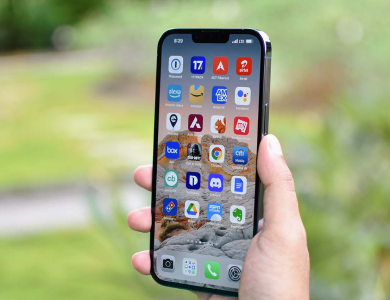
image 1image 2image 3

Smartphones

Front, back, and a close-up of the screen.


image 4image 5image 6

Baby products

Close-ups to show fabric quality.


image 7image 8image 9

Vehicles

Wheels, interior, dashboard, and engine.


image 10image 11image 12

Services

Include before-and-after photos, case studies, sample work or link to the portfolio in the description.
7.

Provide your location

Select your Emirate address.

You can pin your exact location on the map so the buyers can assess shipping costs and potential local pickup options.

8.

Specify communication preferences

Buyers can contact you through:

Provided contact number
Shoofi Chat feature
Email address
9.

Review and publish your listing

Make sure all information is accurate before hitting the publish button.

Choose a promotion package to boost your listing's visibility.
Your listing will be sent for moderation – you'll receive a confirmation once it's live.

If your listing isn't approved, don't worry!

Edit it and submit it for review again.

review png
10.

Manage your listing like a Pro

Edit

Update the description, price, or photos anytime.

Extend

If your listing is about to expire, renew it via your personal dashboard.

Archive or Delete

Archive the listing when the item is sold or no longer available.
banner img

✨ Shoofi – easy to list, simple to sell!

Follow these steps, and you'll be well on your way to sealing the deal. Good luck!